
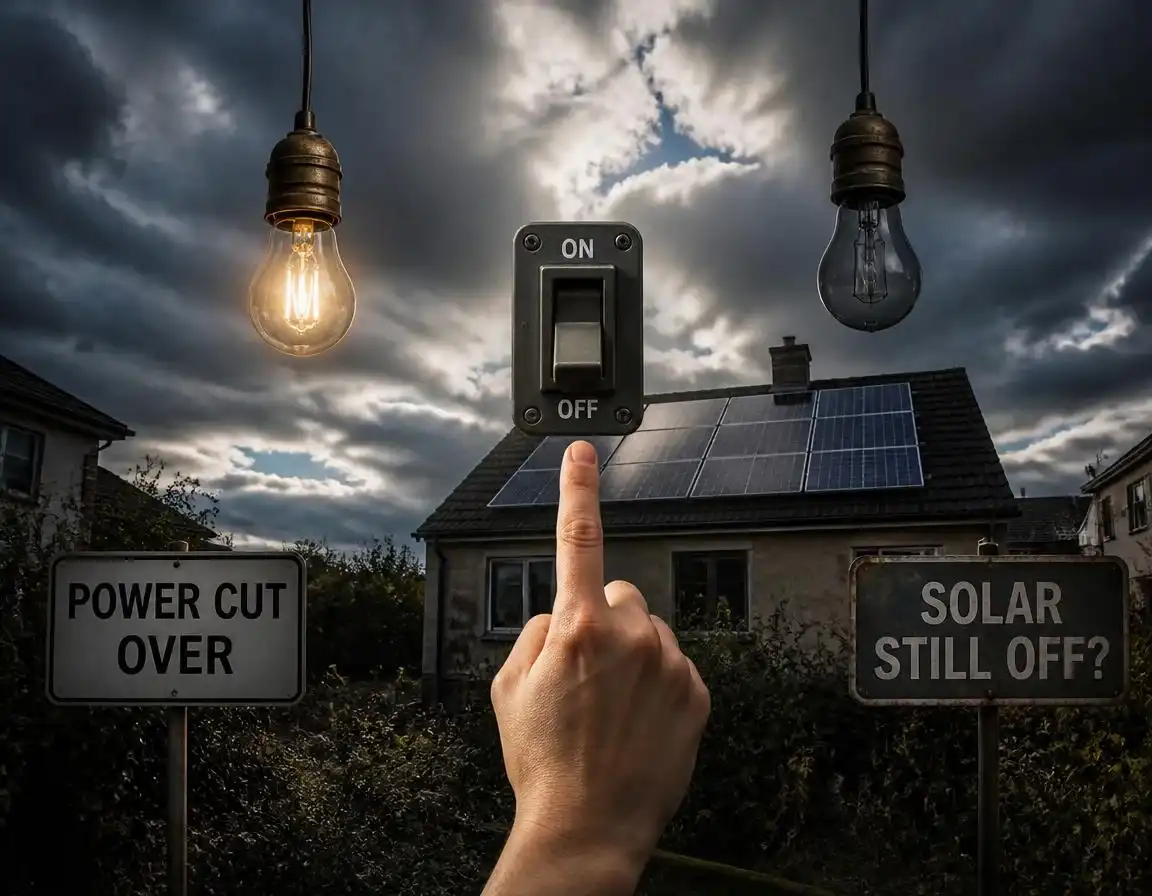
Power Cut Over but Solar Still Off? What G99 Reconnection Actually Does

Grid rules & fault-finding · Updated 2026
Solar Panels Not Working After a Power Cut? What G99 Reconnection Actually Does
The short version
Lights back on, solar still dead? Don’t ring anyone yet. After a cut, your inverter must wait at least 20 seconds for the grid to look healthy, then run its own checks, so one to five quiet minutes (in daylight) is normal. Past 15 minutes, the usual suspects are a latched fault code, a tripped RCD or isolator, a battery stuck in backup mode, or grid voltage that’s too high for the inverter to reconnect. Here’s how to tell them apart, safely.
The 20-second rule: what G99 reconnection actually does
Here’s the bit almost nobody explains properly, and it’s the reason most “my solar’s broken after the power cut” panic calls are wasted. When the mains fails, your inverter’s loss-of-mains protection drops the connection in well under a second — the standard G98/G99 setting is a rate-of-change-of-frequency trigger of 1.0 Hz/s with a definite delay of about half a second. You never see that part, because the lights were out anyway.
The part you do see is the way back. Under the Energy Networks Association’s Engineering Recommendations G98 and G99, an inverter may only reconnect once voltage and frequency have stayed inside its protection limits for a minimum of 20 seconds. Twenty seconds is the floor, not the promise. On top of it, your inverter runs its own routine: confirming the grid is stable, checking its DC side, proving its internal relays have released cleanly. In practice that’s why most UK systems take one to five minutes from “lights back on” to “generation ramping up”, and why I tell people to give it a full five minutes, in daylight, before assuming anything has died.
Two footnotes people mix up. First, G98 versus G99: G98 is the connect-and-notify route for small, fully type-tested systems up to 16 A per phase (roughly 3.68 kW single-phase, 11.04 kW three-phase), while G99 covers anything bigger and normally needs the network operator’s approval before you install. Different paperwork, same reconnection discipline — your inverter behaves the same after a cut either way. Second, a genuinely 2026 one: EREC G99 Issue 2, published on 10 March 2025, made new requirements for generating modules that include electricity storage mandatory from 1 March 2026. If you’re commissioning or re-commissioning a battery or hybrid system this year, the inverter and any interface protection need to be declared against Issue 2 — worth knowing if an installer is quoting you after a cut.
What should happen, and when, after supply returns
The green zones are compliance, not failure. The amber zones are where you start checking, from the ground and never from the roof.
Normal or not: the after-cut timeline
Fault-finding for a living teaches you that the most useful first question after a power cut isn’t “is it broken?” but “where am I on the clock?” The second is “is there any light?” An inverter can’t generate after dark or under heavy gloom, so a cut that ended at 9pm tells you nothing about your system. Use this table before you touch anything.
| Window after supply returns | What you see | Verdict |
|---|---|---|
| Any time, after dark or in heavy gloom | Screen asleep or on standby, app showing zero | Normal — nothing to generate; check again in daylight |
| 0–20 seconds | House live, inverter dark or on standby, app showing zero | Normal — the mandatory G98/G99 wait |
| 20 s – 5 min | Screen wakes, relay clicks, generation climbs | Normal — self-checks and grid sync |
| 5–15 min, no fault code | Still zero in daylight, screen alive, nothing logged | Grey zone — check the consumer unit, isolators and fused spur |
| Any time | Latched fault code, or screen completely dead after 15 min with the consumer unit on | Not the timer — work the culprits below |
| Repeated trips all afternoon | Fine at ten, dead at one, back at four | Voltage rise, not the cut itself |
Why your solar shuts off the moment the grid dies
Worth restating, because it surprises everyone once: your panels keep generating in daylight during a cut, at up to several hundred volts DC, with nowhere to put it. The inverter disconnects because it must — anti-islanding is mandatory under G98 and G99 so that nobody back-feeds a “dead” street cable that a line engineer believes is safe. It’s the same rule that stops plug-in solar kits mid-cut, and the same reason your Smart Export Guarantee income simply pauses for the duration. Our fuller walkthrough of what happens to solar panels during a power cut covers the during-cut side, including what backup wiring will and won’t run.
What each part of the system does during a cut
What G99 reconnection doesn’t do
Half the confusion after a cut comes from believing the reconnection process involves somebody else. It doesn’t.
- Nobody switches your solar back on. Not the DNO, not your supplier, not your installer. Reconnection is automatic and lives inside the inverter (or the interface protection on larger systems). If a forum tells you to “get the DNO to reset your export”, they’re thinking of a different problem.
- It isn’t a metering event. Your SEG arrangement doesn’t lapse because the grid went down. Export resumes when the inverter reconnects; no re-application, no paperwork.
- You can’t hurry it. Cycling the isolators during the wait doesn’t speed anything up — it restarts the self-check routine and puts needless wear on the relays. The wait is the system doing its job.
- Backup mode is not a loophole. Anti-islanding still applies: a backup circuit can power your wired loads during a cut, but nothing may export into the dead network. Any device claiming otherwise isn’t compliant for UK connection.
- The settings aren’t yours to tweak. Voltage windows, loss-of-mains settings and export limits form part of your connection agreement with the DNO, and the standards require them to be protected by a password or seal for a reason. Cowboy edits in the installer menu can void your warranty and MCS paperwork in one tap — a line I hold firmly.
The six usual culprits when it stays off
If you’re past the fifteen-minute mark in daylight with nothing happening, or there’s a code on the screen, work down this list in order. It’s arranged by how often I meet each one in the field.
| Culprit | Tell-tale sign | First move |
|---|---|---|
| Latched fault code (grid fault, over-voltage, PLL, earth/insulation, arc) | Screen alive with a code that won’t clear by itself | Photograph it, then one controlled reset after a five-minute cool-down; arc, earth or RCD codes mean stop and book an engineer |
| Tripped RCD/RCBO, or an isolator or fused spur left off | RCBO resting in a middle position; spur switched off; often after a restoration surge | Consumer unit first (breaker fully off, then on), then the isolators in your manual’s order, then wait |
| Hybrid or battery stuck in backup / off-grid mode | House on grid power but inverter reports backup or off-grid; battery slept through the cut | Check the mode in the app or menu; restart per the manual’s sequence |
| High grid voltage (often not new) | Reconnects, exports for a while, then trips again in sunny, low-demand hours; may repeat daily | Log timestamps and any voltage code; your installer raises a voltage review with the DNO |
| Surge damage from the restoration spike | Screen dead even though the consumer unit breaker and AC isolator are on; comms or optimisers also dead | Engineer call — this is warranty or repair territory, not DIY |
| Supply-side problems: lost phase, temporary generator supply, blown service fuse | Three-phase home running oddly; neighbours fine but your voltage or phases wrong | Report to your network operator on 105; don’t blame the inverter yet |
A word on the voltage one, because it gets blamed on the cut. UK supply voltage is allowed to reach 253 V (230 V plus 10%). The default G98/G99 protection hard-trips the inverter at 262.2 V for one second, and inverters also throttle back or drop out when readings sit near 253 V for a sustained period. On a lightly loaded street on a sunny day, that’s enough to knock an otherwise healthy system offline. The signature is a system that reconnects, exports happily for an hour, then drops out around midday, again and again. It’s usually not new: the cut just made you watch the inverter closely for the first time. Occasionally, repairs leave the network on a temporary running arrangement that shifts voltage for a while, and your network operator can tell you if that’s the case. Either way it’s not broken; it’s compliant. Our fault code explainer covers the over-voltage family and the evidence your installer will want before approaching the DNO.
Battery and hybrid systems: the extra things that catch people out
A battery adds a second brain to the system, and after a cut the two don’t always agree about who’s in charge. If you have one, add these to the list:
- Stuck in backup, off-grid or EPS mode. A changeover contactor that chattered during the cut, or software that didn’t swap back, leaves the inverter waiting for a grid it’s already connected to. Check the mode in the app or menu, then restart in the maker’s sequence.
- Battery flat or in protection. After a long cut the battery can sit in standby or protection until it sees enough charge. Some need a manual restart. Follow the manual; never bypass or jump anything.
- Inverter-to-battery comms dropped. BMS or communication warnings usually clear after a restart done in the right order. Battery systems are the most order-sensitive, so check the manual before you improvise.
- No backup circuit was ever wired. A standard grid-tied hybrid goes dark with the grid, exactly like a solar-only system. Backup only exists if your system was designed for it: a wired emergency socket (EPS), protected circuits or whole-home backup. Our solar tech guide explains the inverter and battery options.
The safe reset sequence, step by step
Everything here is ground-level and safe. Nothing involves the roof, the DC connectors or the inside of any box.
- Check the light and the clock, then read before you touch. Is it daylight, and has it been five minutes? If so, photograph the inverter screen or LED state, any code exactly as shown, and the generation graph in your app. Engineers diagnose patterns, and patterns need timestamps.
- Consumer unit. Find the breaker labelled solar PV or inverter. A tripped RCBO often rests mid-position, so push it fully to off, then firmly to on. Once. If it trips again instantly, stop — that’s an earth fault talking.
- Isolators, in your manual’s order. Makers differ on whether AC or DC goes on first, so check the label or manual rather than guessing. Then wait three to five minutes for the grid sync. Screens don’t wake instantly, and the wait feels longer than it is.
- Battery systems: check the mode. If it’s sitting in backup, off-grid or EPS mode with the grid healthy, follow the manual’s restart sequence. A changeover contactor that chattered during the cut sometimes needs exactly this.
- Respect the window. Twenty seconds minimum plus self-checks. Don’t churn the isolators inside it — you’re restarting the clock, not beating it.
- Check the boring stuff. Router on? Monitoring dongle seated? An offline app with a green inverter LED is a comms sulk, not a dead array. Our solar monitoring guide covers the apps and hardware.
- One controlled reset, then judge. AC isolator off, five minutes, back on (battery systems: follow the manual). If a transient alarm clears, fine. If a lockout-family code returns — earth fault, arc fault, RCD, relay fault — stop resetting and book the fault in.
The red line
No roof visits, no unplugging MC4 connectors, no opened covers. A domestic string can carry several hundred volts DC in daylight (400–600 V is common) with the AC side completely off. If you can smell burning near the inverter or isolators, switch the AC isolator off if it’s safely reachable and call an engineer today, not next week. If you see smoke or flames, leave the building and call 999.
If the sequence fails, build the two-minute evidence pack — photos of the screen, serial label, isolator positions, consumer unit and the array from the ground — and email your installer with the warranty reference. Half the time they’ll diagnose from the photos and arrive with the right part. Our ten-minute diagnostic in solar panels producing nothing uses the same order for a reason: cheapest and safest first.
Grid or kit: who to call
The fastest way to a long hold is ringing the wrong organisation. Aim the first call properly and the whole thing resolves faster.
| Symptom after the cut | Likely cause | Who to call |
|---|---|---|
| Reconnects, then trips repeatedly around midday | Network voltage plus your export | Installer first — they hold your G98/G99 paperwork and liaise with the DNO |
| Lockout code (earth, arc, RCD, relay) or dead screen with the consumer unit on | Internal or insulation fault, possibly surge damage | Installer or manufacturer warranty route; check credentials with our MCS installer guide |
| Whole house odd: one phase missing, voltage wild, service fuse suspect | Supply-side damage from the same event that caused the cut | Your network operator on 105 — free, 24/7 (Northern Ireland: 03457 643 643) |
| App offline, inverter LED green, meter ticking | Monitoring comms | You — re-pair the dongle, check the router |
For anything supply-side, Ofgem’s guidance on reporting a power cut and claiming compensation is the plain-English starting point: 105 connects you free to your local network operator in England, Scotland and Wales. Voltage-rise investigations are their job, not yours — but your installer starts that conversation, because they hold the connection documents.
Export, SEG and the money side
Three money points people get wrong after a cut. One: during the outage you export nothing, so SEG income simply pauses for those hours — there’s no claim to make and no penalty. Two: once the inverter reconnects, export and payments resume automatically; nothing needs re-registering. Three: if your smart meter’s export readings stall after the outage — a comms drop between meter and data network is a classic post-cut gremlin — that’s a metering fault quietly eating income, not a generation fault. A typical 4 kWp system exports around 2,000 kWh a year, roughly 170 kWh a month, so a month of missing readings is worth about £25 at a 15p tariff (about £5 at 3p, over £40 at 25p). Our fix guide for a smart meter not sending export readings covers what to check and what to ask your supplier.
And if the cut has you reviewing your setup anyway, check what your exports actually earn. On 2,000 kWh exported, the gap between the worst and best 2026 SEG tariffs is roughly £60 versus £500 a year. The catch: the top rates are tied to having your system installed by that supplier, while open-to-all fixed rates sit nearer 13p (about £260). Rates move often, so use our SEG rate comparison, which flags which tariffs need a battery or an import switch.
Same 2,000 kWh exported, three 2026 tariffs
Based on 2,000 kWh exported a year — typical for a 4 kWp system using roughly half its generation at home. The 25p rate needs a supplier-installed system; the 3p rate is open to all.
FAQs
How long does solar take to restart after a power cut?
Normally one to five minutes once the supply is stable. Loss-of-mains protection disconnects your inverter in about half a second when the grid fails; on the way back, G98 and G99 require it to wait at least 20 seconds with voltage and frequency inside its limits, and most inverters then run their own grid checks. It also needs daylight to generate. If there’s still nothing after 15 minutes, or a fault code is showing, check the isolators, RCD and battery mode next.
Do solar panels turn back on by themselves after a power cut?
Yes, in normal circumstances. Reconnection is automatic and happens inside the inverter, so neither your DNO, your supplier nor your installer has to switch anything back on. You only need help if the inverter shows a latched lockout fault (earth, arc, RCD or relay), a protection setting genuinely needs changing (an installer job tied to your G98/G99 paperwork), or repeated high-voltage trips need a network investigation. For those, call your installer first, as they hold the connection documents.
Why is my solar inverter still off after a power cut?
Once you’ve allowed five minutes in daylight, the usual causes are a latched fault code, a tripped RCD/RCBO or isolator, a battery or hybrid system stuck in backup mode, or grid voltage too high for the inverter to reconnect. Photograph the screen and any code, reset the consumer-unit breaker once, restore the isolators in the order your manual gives, and stop and call your installer if an earth, arc or RCD fault returns. Never go on the roof or open any covers.
Technical figures in this guide come from the Energy Networks Association’s Engineering Recommendations G98 and G99 (Issue 2, 10 March 2025). Always follow your inverter manufacturer’s manual and your installer’s advice for your own system.



One Comment