
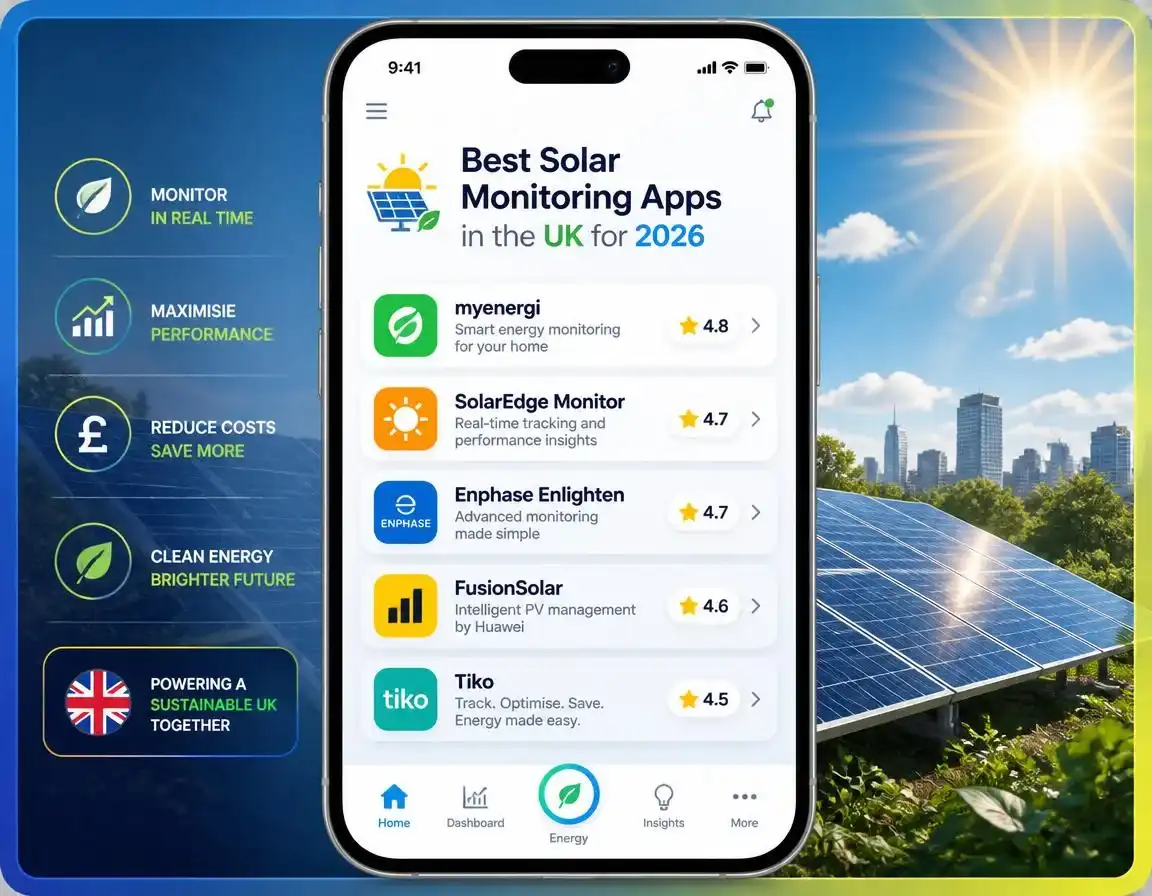
Best Solar Monitoring Apps UK 2026

Best Solar Monitoring Apps UK 2026

If you’ve had solar panels fitted, the app that comes with your inverter is probably the least exciting part of the whole install, right up until the day it actually matters. I’ve gone through the real options on the market in 2026, including a fairly big UK name that’s had a genuinely rough year, so you know exactly what you’re picking before you commit to an ecosystem.
What a Solar Monitoring App Actually Does
At the basic end, it just shows you how much electricity your panels are generating right now, in kWh or as a live graph. The good ones go further: they break down how much of that generation you’re using yourself versus exporting, show your battery’s charge level if you have one, flag when a specific panel is underperforming, and let you check your history going back months or years. Some also let you see how much you’re earning from your Smart Export Guarantee (SEG) tariff, which is genuinely useful for checking your supplier’s numbers match reality.
Before You Choose an App: The GivEnergy Situation
This is worth knowing whether you already own a GivEnergy system or you’re weighing it up. On 9 April 2026, GivEnergy Ltd, one of the best-known battery and hybrid inverter brands in the UK, entered administration. All 74 staff were made redundant and the company stopped trading, following a filing at the High Court in Leeds.
Manufacturer Apps Compared
These come free with the matching hardware and are the default choice for most people, since they’re already included in your system.
| App | Works With | Standout Feature | Main Limitation |
|---|---|---|---|
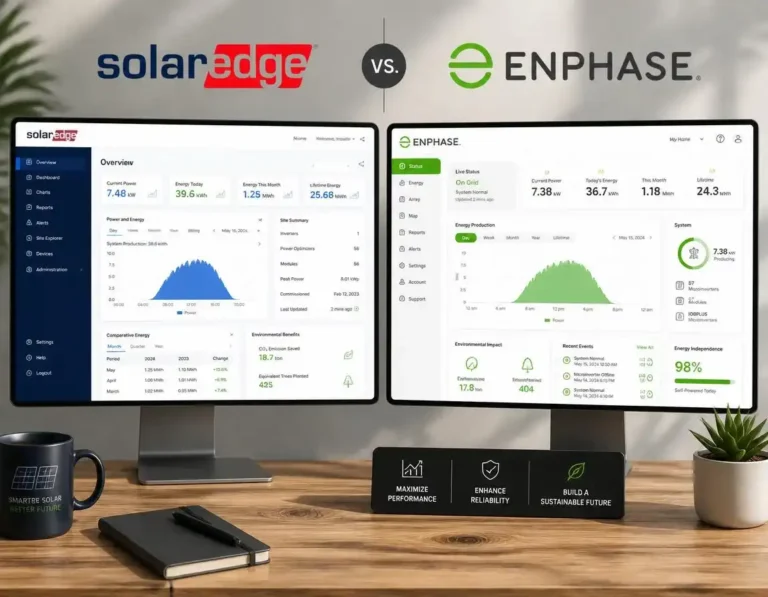
| Enphase Enlighten | Enphase IQ8 microinverters | Best-in-class per-panel data and interface | Needs an Envoy gateway; Enphase only |
| mySolarEdge | SolarEdge optimisers | Pinpoints exactly which panel is underperforming | Locked to SolarEdge equipment |
| Huawei FusionSolar | Huawei Sun2000 inverters | Strong LUNA2000 battery integration | Huawei ecosystem only |
| Sigenergy app | Sigenergy all-in-one systems | AI-based usage and battery optimisation | Newer platform, smaller install base |
| SolisCloud | Solis inverters | Simple, reliable, good for budget systems | Fewer advanced analytics than premium rivals |
| FoxESS Cloud | Fox ESS inverters | Clear battery and grid flow view | Interface less polished than Enphase or SolarEdge |
| GivEnergy app | Existing GivEnergy systems | Strong tariff scheduling for existing owners | See administration note above |
Approximate scores based on aggregated independent reviews and user feedback published in 2026. Individual experience varies by installer setup and firmware version.
Free Third-Party Options Worth Knowing About
These aren’t tied to one manufacturer, which makes them worth a look whatever inverter you have.
Home Assistant Energy Dashboard
Free and genuinely powerful if you don’t mind a bit of setup. It pulls data from your inverter, smart meter and CT clamps into one dashboard covering solar, battery, grid and even individual appliances, applies your actual tariff rates, and shows real cost tracking rather than just kWh. It’s popular with the more technical end of the solar community, and community add-ons (via HACS) can make the displays genuinely nice to look at.
Bright
A free app built on the smart meter data feed (via the DCC-regulated n3rgy infrastructure) rather than your inverter. It gives half-hourly import and export figures with cost tracking, and works alongside whatever solar app you’re already using. It’s particularly handy for checking your SEG export payments against what your supplier is actually crediting you.
PVOutput
A long-running, community-driven platform popular with people who want to compare their system’s output against similar setups nearby, track long-term degradation, or just geek out on the data. Not the prettiest interface, but the depth of historical data is hard to beat.
Which One Should You Actually Use?
| Your Situation | Best Option |
|---|---|
| You just want to check generation occasionally | Your manufacturer’s own app — it’s free and already set up |
| You have a complex or shaded roof | Enphase Enlighten or mySolarEdge, for panel-level detail |
| You want to verify your SEG payments | Bright, alongside your manufacturer app |
| You’re comfortable with a bit of tech setup | Home Assistant Energy Dashboard, for the full picture |
| You enjoy comparing performance data | PVOutput, for community benchmarking |
| You have an existing GivEnergy system | Keep using the app, but lean on your installer for support |
Frequently Asked Questions
What’s the best free solar monitoring app in the UK?
For most people, your inverter manufacturer’s own app is the best starting point since it’s free and already set up with your system. Enphase Enlighten and mySolarEdge are the most consistently well-reviewed for detail and usability. If you want a free, brand-independent option, Home Assistant’s Energy Dashboard and the Bright app (based on your smart meter data) are both genuinely free and don’t tie you to one manufacturer.
Is it still safe to use the GivEnergy app after the company went into administration?
GivEnergy Ltd entered administration on 9 April 2026, and the company has ceased trading. Existing hardware continues to work normally since it doesn’t rely on GivEnergy’s servers, and the app was still functioning at the time of administration. However, hardware warranties are no longer being honoured by the company, and ongoing software support and updates are uncertain. If you have a GivEnergy system, your installer is the best first point of contact for support.
Can I monitor my solar panels without my manufacturer’s app?
Yes. Free third-party options include Home Assistant’s Energy Dashboard, which pulls data from your inverter, smart meter and CT clamps into one view, and PVOutput, a community platform for comparing and tracking system performance over time. The Bright app uses your smart meter’s data feed directly, which is useful for checking your export figures against what your energy supplier records, regardless of which inverter brand you have.
Information in this article, including app features and the GivEnergy administration details, is based on publicly available sources and is correct as of July 2026. App features, pricing and company circumstances can change. This is not financial or legal advice — always confirm current details directly with the relevant manufacturer, your installer, or your energy supplier before making a decision.


7 Comments